|
There are important points to note when changing the settings for equipment registration after starting operation of operation monitoring. For details, please refer to "(Important) Notes on changing settings after starting operation". |

Operation monitoring settings registration
The setup work for equipment registration is performed from the operation monitoring setting registration screen while Panel Server and Panel Browser are running online.
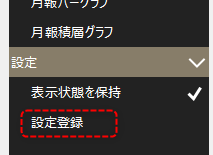
To display the settings registration screen, click the gear icon in the upper right corner of the operation monitoring screen to display the menu.

If you select "Register Settings" from the menu displayed on the right side of the screen, the Register Settings screen will pop up.
(Settings registration screen)
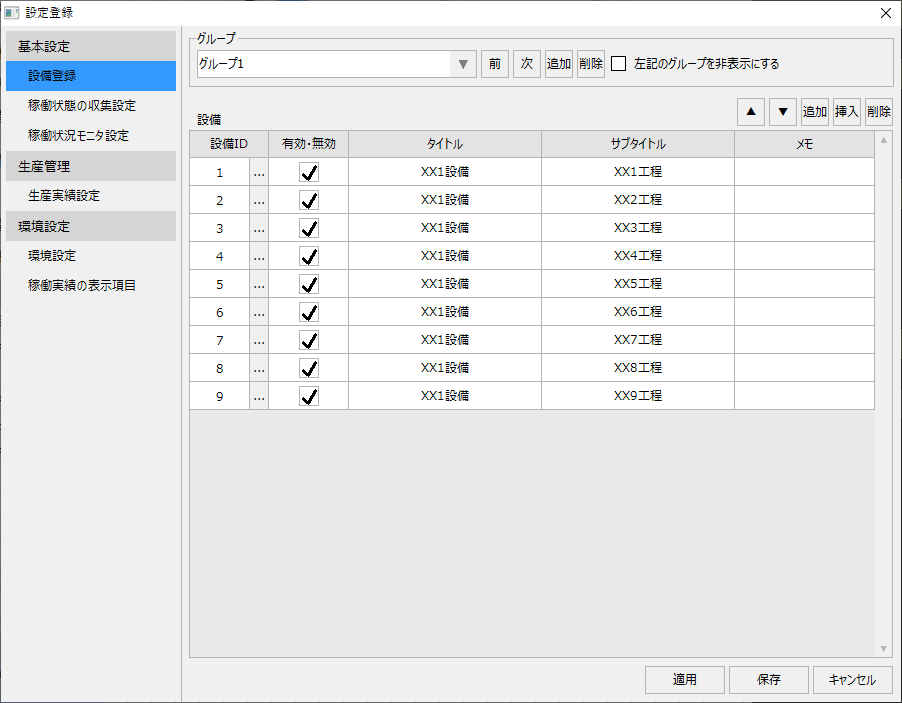
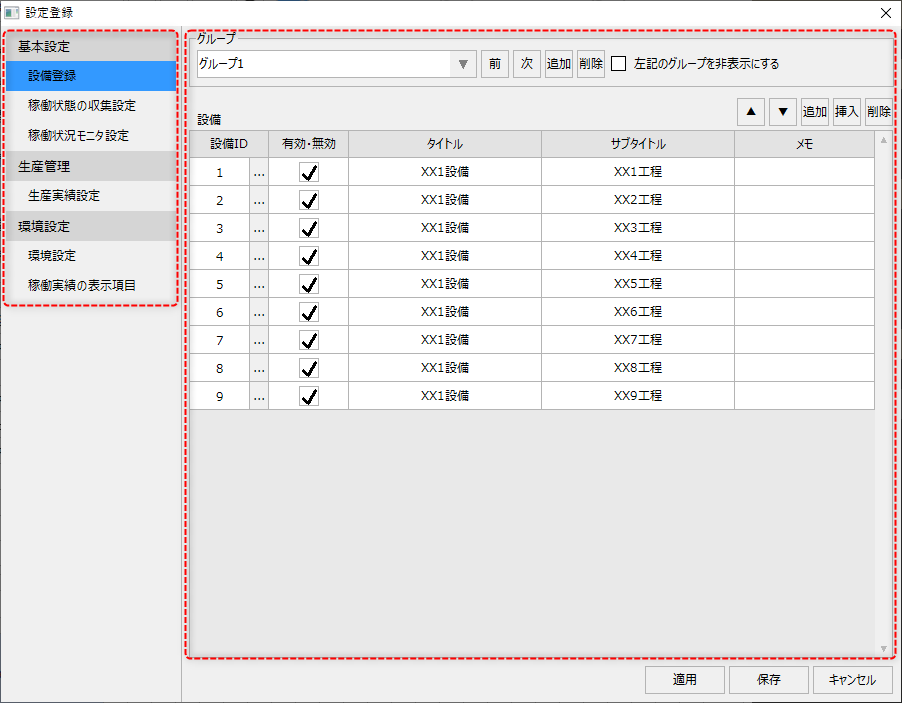
A menu for each setting item is displayed on the left side of the setting registration screen, and the display in the center of the setting screen changes depending on the menu selection.
To save the settings, use the following button displayed at the bottom right of the screen.
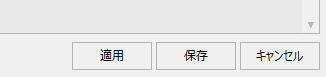
Clicking the "Apply" button will reflect the content you are currently editing in the system without closing the setting registration screen. Clicking the "Save" button will save the settings, close the setting screen, and reflect the edited content in the system. Clicking "Cancel" will discard the settings you are editing and close the screen (however, if you click the Apply button, you cannot cancel and go back to the settings before clicking the Apply button).
The registration operations on the setting registration screen are explained below.
content |
overview |
|
|
This section describes the procedure for registering equipment for operation monitoring. |
Operational status collection settings
|
After registering the equipment, assign the signals (tags, condition expressions, etc.) of the operating status you want to monitor for the target equipment. |
Operation status monitor settings
|
This section describes the layout on the operation status monitor screen, the design of the display frame, and the procedure for setting the data items to be displayed. |
Production performance settings
|
This section explains the setup procedure for setting equipment production targets and importing production results. If you are not collecting production results, this setup is not necessary. |
|
|
This section explains how to configure the operation monitoring function. |
Setting the display items for operation results
|
Set the display items for the list display on the Operation Results screen and Monthly Operation Results screen. |
(Important) Points to note when changing settings after operation begins
|
This section explains the precautions to take when changing equipment registration settings after starting operation of operation monitoring. |