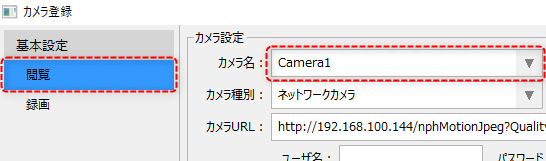
Select the camera to be configured
Viewing settings are made from the Viewing tab on the Camera Registration screen.
Open the camera registration screen and select the "View" tab from the menu on the left side of the screen.
Next, select the camera you want to configure from the camera name combo box.
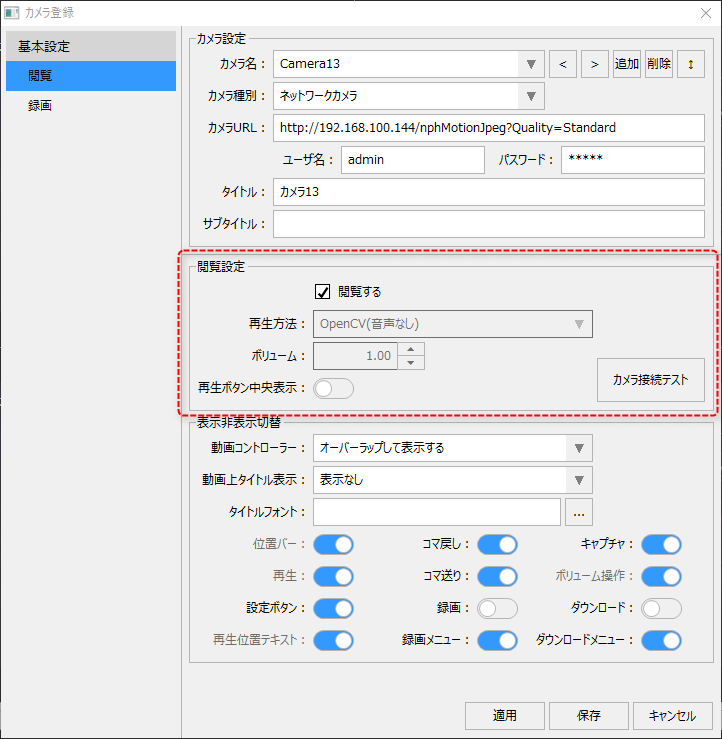
View tab / View settings
|
Please refer to "Viewing Settings".
|
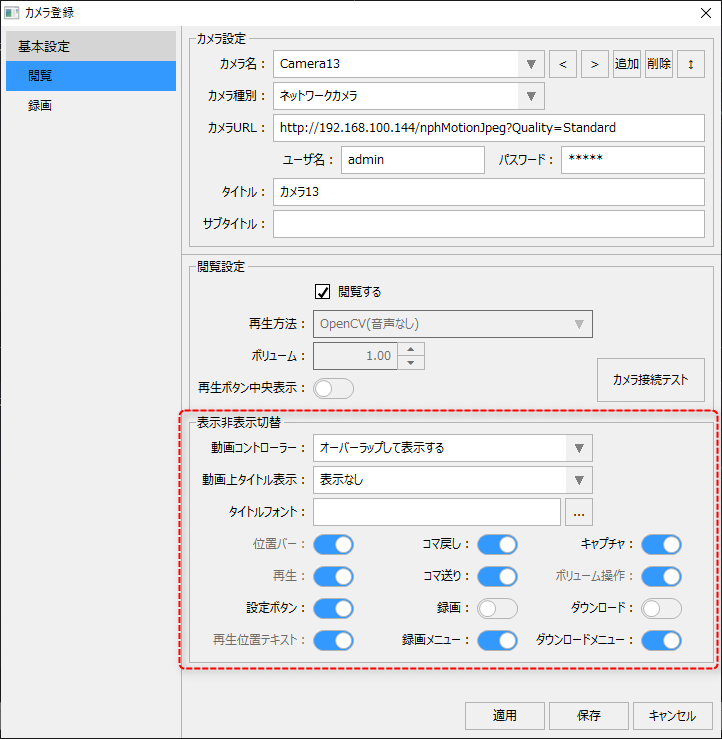
View tab/display/hide switch
|
Please refer to "Display/hide settings".
|