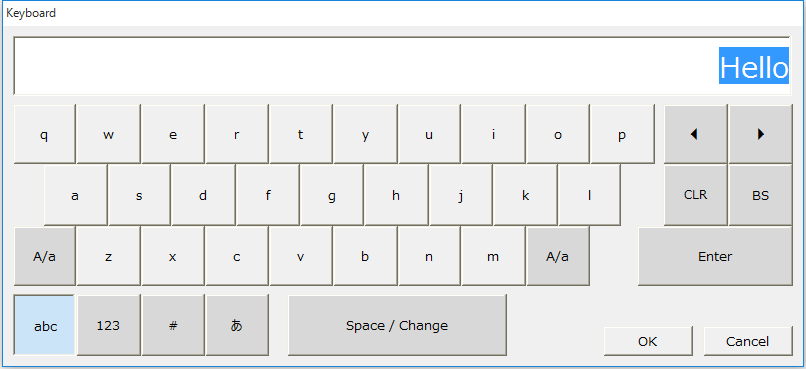
Simple common dialogOpens the text keyboard modally.
syntax OpenModalTextKey( target, text, texttype, textformat [, linkOS = FALSE] )
Parameters
Return Value
<OnCommonEvent>
Supported
reference
|
||||||||||||||||||||||||||||||||||||||||||||||||||||||||||||||||||||||||||||||||||||||

|
<< Click to Display Table of Contents >> Manual > Control Reference > Common to all controls > Common methods > OpenModalTextKey |
Simple common dialogOpens the text keyboard modally.
syntax OpenModalTextKey( target, text, texttype, textformat [, linkOS = FALSE] )
Parameters
Return Value
<OnCommonEvent>
Supported
reference
|
||||||||||||||||||||||||||||||||||||||||||||||||||||||||||||||||||||||||||||||||||||||