About the User Management tab on the System Settings screen
User information and group information related to user management can be registered from the "User Management" tab on the system settings screen.
In the User Management tab, you can select configuration items from the menu on the left side of the screen.
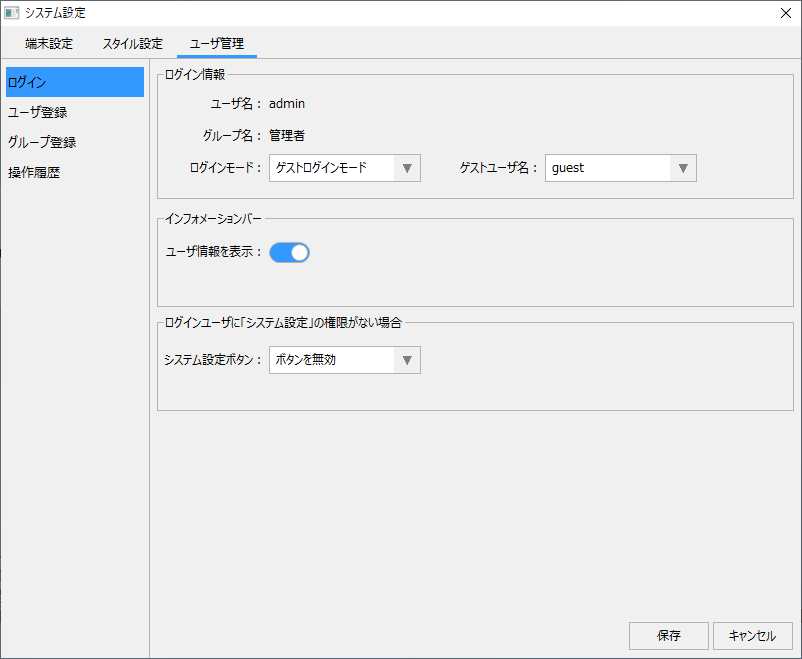
(System settings screen/User management/Login)
|
By selecting "Login" from the menu on the left side of the screen, you can edit various login settings. An important setting that can be made from this screen is the login mode.
For more information on how to set the login mode, see "Setting the login mode".
|
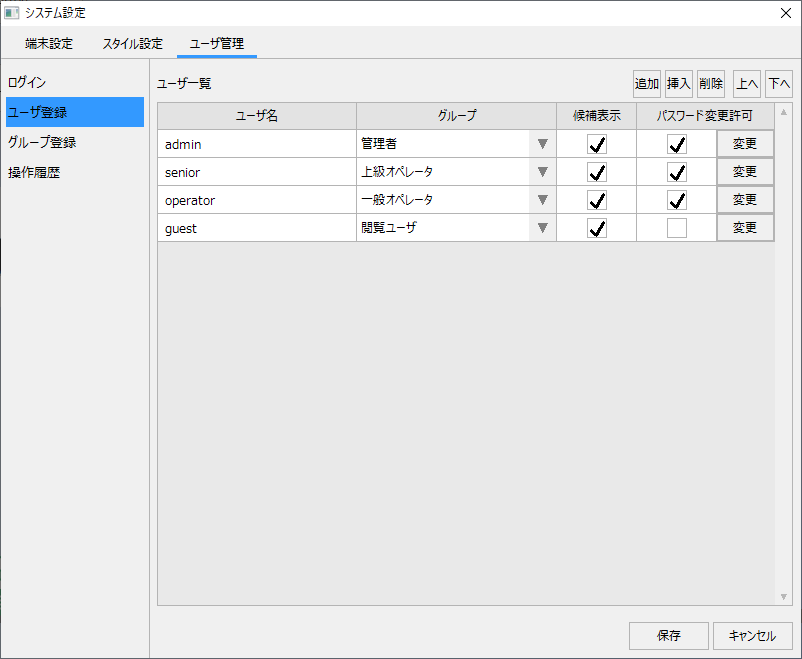
(System settings screen/User management/User registration)
|
By selecting "User Registration" from the menu on the left side of the screen, you can register and edit the user information used to log in.
For information on how to set this up, please refer to "User Registration for Login".
|
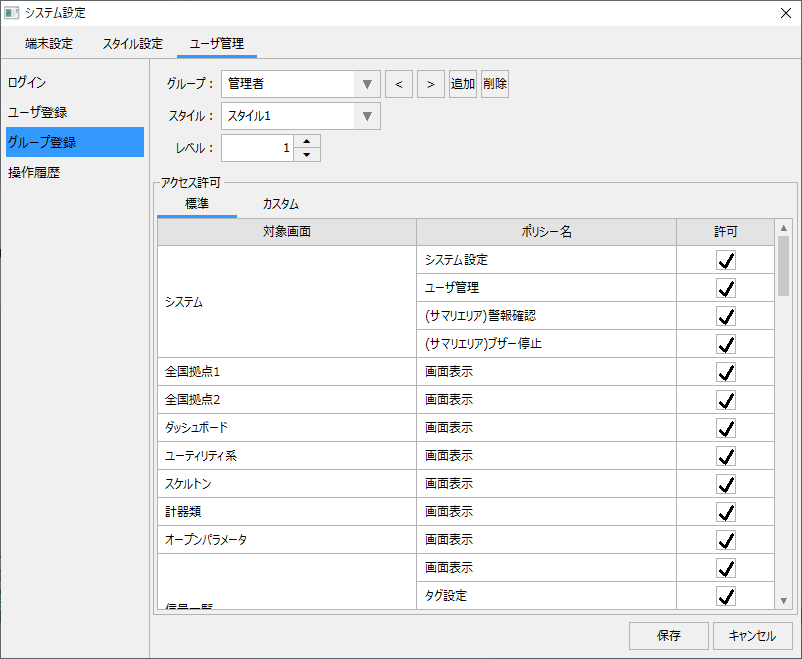
(System settings screen/User management/Group registration)
|
By selecting "Group Registration" from the menu on the left side of the screen, you can register and edit the groups to which the user who is used to log in belongs. Attributes such as user authority, applied style, and access level are managed collectively in the group settings.
For more information, see "Registering User Groups".
|
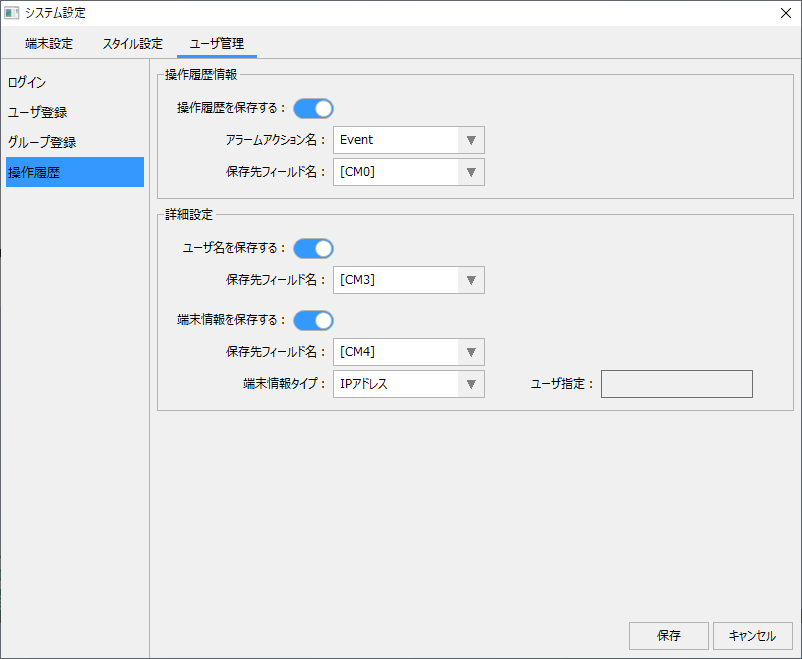
(System settings screen/User management/Operation history)
|
You can edit the settings for operation history by selecting "Operation History" from the menu on the left side of the screen. By setting the operation history, you can link with the standard event history function and record information such as the currently logged-in user name in the event history.
For details, please refer to "Operation History Settings".
|
|
If you want to know how to display the system settings screen, see "Displaying the system settings screen". |
